
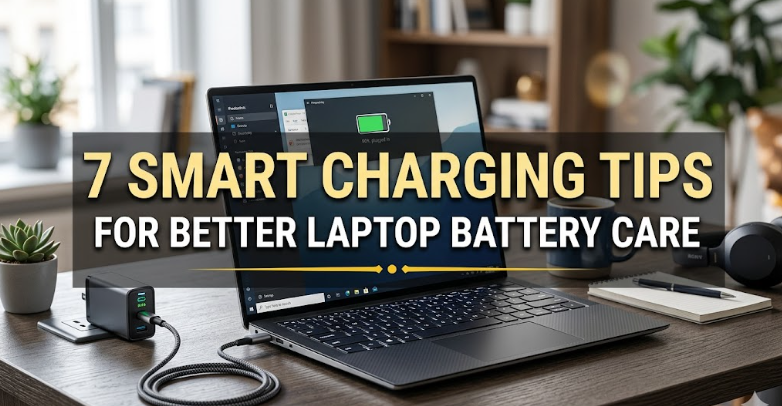
7 Smart Charging Tips for Better Laptop Battery Care
Introduction
Laptop batteries have quietly become one of the most important parts of our daily digital life. Whether you’re a student attending online classes, a freelancer working from home, or someone who just enjoys browsing and streaming, your laptop battery determines how freely you can move around without being tied to a power outlet. Yet, despite relying on it so much, most people unknowingly treat their laptop battery in ways that slowly reduce its performance over time.
The truth is that modern lithium-ion batteries are smart, but not indestructible. They have limits, and how you charge them plays a much bigger role in their long-term health than most users realize. The good news is that you don’t need expensive tools or technical skills to take care of your battery. A few simple charging habits can make a noticeable difference in how long your laptop battery lasts each day and how many years it remains usable.
This article breaks down 7 smart charging tips that are practical, easy to apply, and based on how laptop batteries actually work in real life. Instead of focusing on complicated theory, the goal here is to help you build habits that extend battery life and improve daily performance.
Let’s get into it.
- Avoid keeping your laptop plugged in all the time
One of the most common habits people develop is leaving their laptop plugged in even when the battery is fully charged. It feels harmless because the laptop stops charging automatically, but in reality, keeping it constantly at 100% puts stress on the battery over time.
Lithium-ion batteries prefer balance rather than extremes. When your battery stays at full charge for long periods, especially with heat involved, it gradually loses capacity faster than normal usage conditions.
A smarter approach is simple: once your laptop reaches full charge, unplug it and use it on battery power until it drops to a moderate level. You don’t need to obsess over it, but avoiding constant charging helps reduce long-term wear.
If you use your laptop as a desktop replacement, consider occasionally running it on battery even for short periods. This keeps the battery active and healthy instead of keeping it in a constant high-stress state.

- Keep your battery between 20% and 80%
If there is one charging habit that has the biggest impact on battery lifespan, it is this one. Many users either drain their battery completely or charge it to 100% every single time. Both extremes are not ideal for long-term health.
A better practice is to maintain your battery between 20% and 80%. This range reduces stress on the battery cells and helps preserve their maximum capacity over time.
Think of it like walking instead of sprinting. Batteries that are constantly pushed to extremes wear out faster because the chemical reactions inside them become more strained.
You don’t need to be exact. Even loosely following this rule makes a noticeable difference. Charging when it reaches around 20–30% and unplugging at 80–90% is enough to keep your battery healthier for longer.
Many modern laptops even include built-in battery protection settings that limit charging to around 80%, which is worth enabling if available.
- Avoid using your laptop on soft surfaces while charging
Charging habits are not only about percentages and timing. Where you place your laptop during charging also matters more than most people think.
When a laptop charges, it generates heat. If you place it on a bed, sofa, pillow, or any soft surface, airflow gets blocked. This traps heat inside the device, increasing the temperature of the battery.
Heat is one of the biggest enemies of lithium-ion batteries. It accelerates wear and reduces overall lifespan.
A better habit is to always charge your laptop on a hard, flat surface like a table or desk. If you use it for long sessions, consider using a cooling pad or ensuring proper ventilation underneath.
Even small improvements in airflow can significantly reduce heat buildup, especially during charging sessions.
- Don’t let your battery drop to 0% frequently
Allowing your laptop battery to completely drain on a regular basis is another habit that slowly damages it. While modern batteries are designed to prevent deep discharge damage, repeated full drains still create unnecessary strain.
When a battery drops to zero, it goes into a low-voltage state that is harder for it to recover from. Doing this occasionally is not a disaster, but making it a routine habit shortens its lifespan.
A smarter approach is to plug in your charger before it hits critically low levels. Around 15–20% is a good threshold to start charging again.
This simple habit reduces stress on the battery cells and helps maintain stable performance over time.
- Use the original charger or a certified replacement
Not all chargers are created equal. One of the most overlooked factors affecting battery health is the quality of the charger being used.
Original chargers are designed specifically for your laptop model, ensuring correct voltage and current delivery. Cheap or unbranded chargers may still charge your device, but they can deliver unstable power, which may lead to overheating or inconsistent charging cycles.
Over time, this can negatively affect both battery health and internal components.
If your original charger is lost or damaged, always replace it with a certified or manufacturer-approved alternative. It might cost more initially, but it protects your laptop from long-term damage.
Think of it as an investment in stability rather than just a charging accessory.
- Avoid keeping your laptop at high charge during heavy workloads
Many people don’t realize that charging while doing heavy tasks like gaming, video editing, or running multiple applications can increase heat significantly. When the battery is at a high charge level during such workloads, the combination of heat and full charge stress becomes even more damaging.
If you need to perform heavy tasks, a better approach is to either:
- Use AC power with optimized battery settings if available
- Or allow slight discharge cycles instead of staying at 100% constantly
Some laptops come with performance modes or battery health modes that automatically manage this balance. Enabling them can help reduce unnecessary strain during intensive usage.
The key idea is to avoid keeping the battery under constant maximum stress while also generating heat from heavy processing.
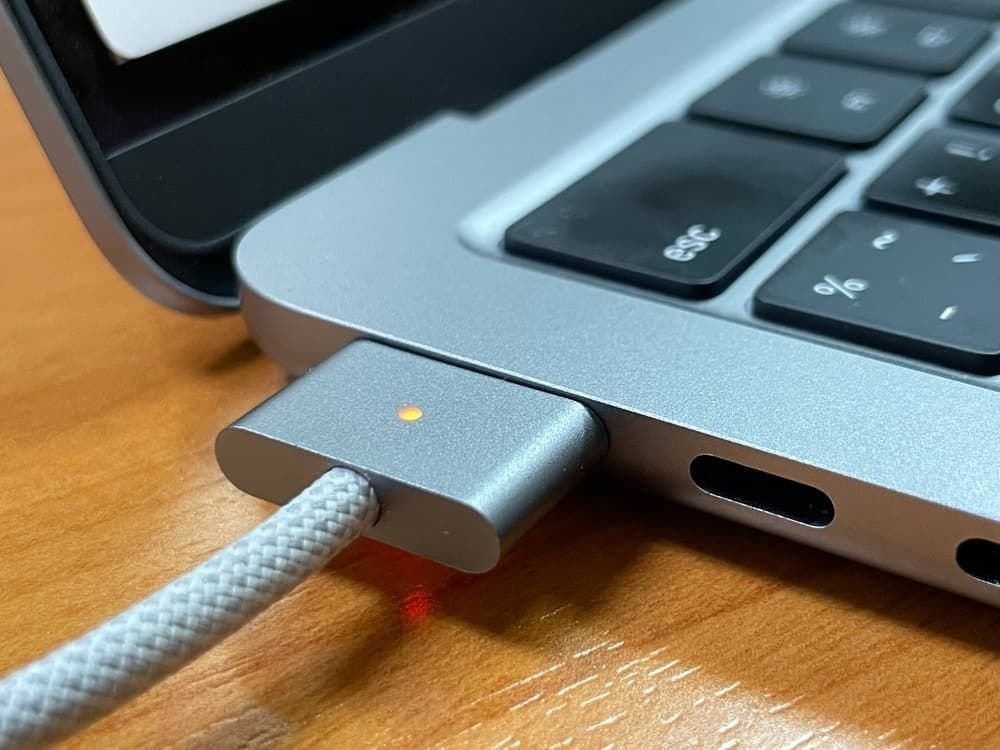
- Restart and recalibrate your battery occasionally
While modern batteries don’t require frequent calibration, doing it occasionally can still help maintain accurate battery readings.
Over time, your laptop’s battery indicator may become slightly inaccurate. For example, it might show 30% remaining but drain faster than expected, or stay stuck at a certain percentage for too long.
To fix this, you can recalibrate the battery every few months by:
- Charging it to 100%
- Using it down to around 5–10%
- Then charging it back to full without interruption
This process helps the system re-sync with the battery’s actual capacity. It doesn’t directly improve battery health, but it improves accuracy, which helps you manage charging more effectively.
Conclusion
Laptop battery care is not about complicated rules or constant monitoring. It’s about building small, consistent habits that reduce stress on the battery over time. The way you charge your laptop directly influences how long it stays efficient and how long it serves you without noticeable performance drops.
Avoiding constant full charges, keeping the battery within a healthy range, managing heat, and using proper charging equipment are all simple steps, but together they make a significant difference.
Your laptop battery won’t last forever, but with smart charging habits, you can make sure it lasts as long as it possibly can while maintaining good daily performance.
FAQs
- Is it bad to use a laptop while charging?
No, it is not bad. However, heavy usage while charging can increase heat, which may slowly affect battery health. Light to moderate usage is generally safe. - Should I always charge my laptop to 100%?
No, keeping it at 100% all the time can increase battery stress. It is better to stay within a 20% to 80% range for long-term battery health. - Can I leave my laptop plugged in overnight?
Occasionally, yes. Modern laptops stop charging when full. However, doing this regularly may keep the battery at high stress levels for longer periods. - Does fast charging damage laptop batteries?
Fast charging itself is not harmful if supported by your laptop. However, it can generate extra heat, which is the real factor that affects battery life. - How often should I calibrate my laptop battery?
Once every 2–3 months is enough for most users. It helps maintain accurate battery percentage readings. - What is the biggest mistake people make with laptop charging?
The most common mistake is constantly keeping the laptop plugged in at 100%, which slowly reduces long-term battery capacity.






