
9 Easy Smart Charging Tips You Should Start Today
Introduction
Most people use their phones, laptops, tablets, and other devices every single day without thinking much about how they charge them. Charging often feels like a simple habit: plug in, wait, unplug, repeat. But the way you charge your devices actually plays a big role in how long your battery lasts, how fast it degrades, and how well your device performs over time.
Smart charging is not about complicated tools or expensive accessories. It’s about small, consistent habits that protect your battery health and improve efficiency. Once you understand the basics, you can make small changes that add up to big improvements.
This article walks you through 9 easy smart charging tips you can start using today. These are practical, real-world habits that don’t require technical knowledge—just awareness and consistency.
Let’s get started.
- Avoid charging your device to 100% every time
One of the most common habits people have is charging their devices to full 100% every time. While it feels satisfying to see a full battery icon, it’s not always the best practice for long-term battery health.
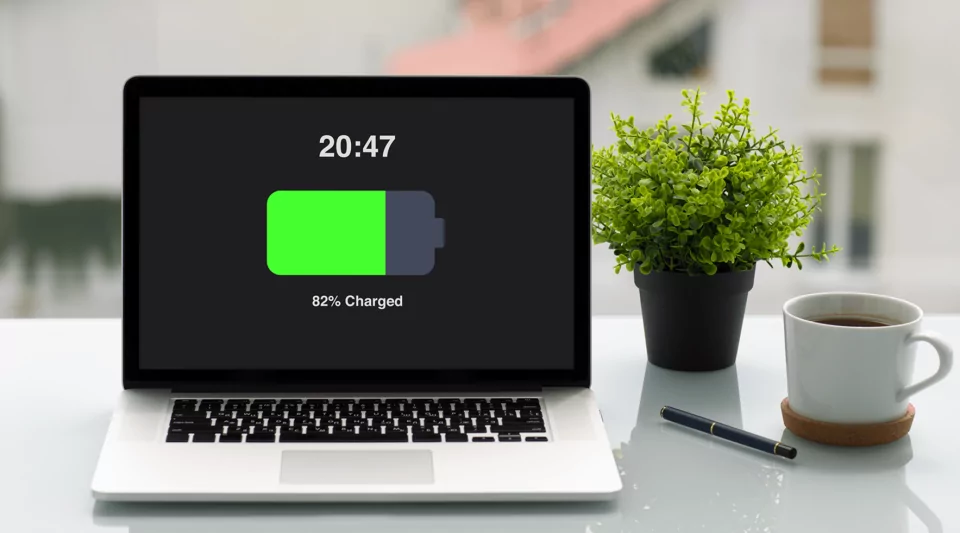
Lithium-ion batteries, which are used in most modern devices, experience more stress when kept at full charge for long periods. Instead of constantly aiming for 100%, it is healthier to keep your battery level between 20% and 80%.
This range reduces strain on the battery cells and helps extend overall battery lifespan. You don’t need to obsess over exact numbers, but avoiding unnecessary full charges can make a noticeable difference over time.
A simple habit: unplug your device when it reaches around 80–90% if you don’t need a full charge.
- Don’t let your battery drop to 0% regularly
Just as charging to 100% too often can be harmful, letting your battery drain completely is also not ideal. Deep discharges put stress on the battery and can reduce its long-term capacity.
Occasional full drains won’t destroy your battery, but making it a habit can shorten its lifespan significantly.
A better approach is to plug in your device when it reaches around 20–30%. This keeps the battery in a healthier operating range and avoids unnecessary strain.
Think of it like fueling a car—you don’t wait until the tank is completely empty before refilling it.
- Avoid overnight charging when possible
Many people plug in their phones or laptops before sleeping and leave them charging all night. While modern devices have protections to prevent overcharging, keeping them plugged in at 100% for hours still creates heat and long-term stress.
Heat is one of the biggest enemies of battery health. Even a small increase in temperature over long periods can gradually reduce battery performance.
If you must charge overnight, try using features like optimized battery charging (available on many smartphones and laptops). These systems slow down charging after a certain percentage and finish charging just before you wake up.
Alternatively, charging your device earlier in the evening and unplugging it before bed is a healthier habit.
- Use original or certified charging accessories
Not all chargers are created equal. Cheap, unbranded charging cables or adapters may look similar to original ones, but they often lack proper voltage regulation and safety features.
Using poor-quality chargers can lead to:
- Overheating
- Slower charging speeds
- Battery damage over time
- Safety risks in extreme cases
Always try to use the original charger that came with your device or certified replacements from trusted brands. It may cost slightly more, but it protects your device in the long run.
Think of it as an investment in battery health rather than just an accessory.
- Keep your device cool while charging
Heat is one of the most damaging factors for any battery. When your device heats up during charging, the internal chemical reactions inside the battery become less stable, which accelerates wear and tear.
You can reduce heat buildup by:
- Avoiding charging under pillows or blankets
- Not using heavy apps or games while charging
- Removing thick phone cases during charging
- Keeping the device in a well-ventilated space
Even small temperature differences can impact long-term battery performance. A cool device charges more efficiently and lasts longer.
- Don’t always rely on fast charging
Fast charging is extremely convenient, especially when you’re in a hurry. However, frequent use of fast charging generates more heat and puts extra stress on the battery compared to standard charging.
This doesn’t mean you should avoid it completely. It simply means you should use it wisely. Reserve fast charging for situations when you really need a quick boost, and use normal charging when you have more time.
Balancing both methods helps preserve battery health while still giving you convenience when needed.
- Charge in short bursts instead of long cycles
Many people think charging should always happen in long sessions—from low to full. But in reality, modern batteries respond well to shorter, frequent charging sessions.
For example, charging from 40% to 70% during the day is healthier than letting it drop to 10% and then charging to 100%.
This “top-up charging” approach keeps the battery in a stable range and reduces stress cycles.
If you are near a power source during the day, don’t hesitate to plug in for short charging sessions.
- Turn off unnecessary features while charging
When your device is charging, background activities can slow down the process and generate extra heat. Features like Bluetooth, GPS, hotspot, and background apps all consume power even during charging.
Turning off unnecessary features while charging helps in two ways:
- It reduces heat buildup
- It allows faster and more efficient charging
This is especially useful if you want a quick charge before heading out.
A simple habit: switch your device to airplane mode or power-saving mode while charging if you are not actively using it.
- Avoid using your device heavily while it charges
Using your phone or laptop for heavy tasks like gaming, video editing, or streaming while charging can significantly increase battery temperature. This creates a “charging + discharging” cycle at the same time, which stresses the battery.
Light usage like replying to messages or browsing is generally fine, but heavy usage while charging should be minimized.
If you want your device to charge efficiently and safely, let it rest during the charging process whenever possible.
Conclusion
Smart charging is not about strict rules or complicated routines. It’s about small, mindful habits that protect your device and extend its lifespan. Most battery problems people face today are not caused by a single mistake but by repeated poor charging habits over time.
By applying even a few of these tips, you can improve battery health, reduce overheating, and make your device last longer without performance issues.
The key is consistency. You don’t have to change everything overnight—just start with one or two habits and build from there.
Frequently Asked Questions (FAQs)
- Is it bad to charge my phone overnight?
Charging overnight is not immediately harmful, but keeping the battery at 100% for long hours can generate heat and slowly reduce battery lifespan. - What is the best percentage to charge my device to?
The ideal range is usually between 20% and 80% for long-term battery health. - Does fast charging damage the battery?
Fast charging does not damage batteries directly, but frequent use can increase heat, which may affect long-term battery health. - Should I let my battery drain to 0% sometimes?
Occasionally it’s fine, but doing it regularly can reduce battery lifespan. It’s better to recharge before it gets too low. - Can I use my phone while it is charging?
Yes, but heavy usage like gaming or video streaming while charging can increase heat and slow down charging efficiency. - Do cheap chargers really affect battery life?
Yes, low-quality chargers can cause unstable power flow, overheating, and long-term battery damage. Using certified chargers is always safer.






