

11 ultimate laptop battery care ideas for beginners
A laptop feels like freedom until the battery begins to fade. At first, it’s subtle. The machine that once lasted all afternoon starts asking for a charger before lunch. Eventually, you find yourself scanning every room for a power outlet like it’s a survival instinct. For beginners, this decline can feel mysterious, almost unfair. After all, you didn’t “do” anything wrong—at least not knowingly.
The truth is simpler and more practical: laptop batteries wear down based on how they are used, charged, and maintained. The good news is that small, thoughtful habits can dramatically slow that process. You don’t need technical expertise or complicated tools. What you need is awareness, consistency, and a bit of patience.
This guide walks through eleven ideas that go beyond surface-level advice. These are not just tips to read and forget—they are practices you can weave into your daily routine.
- understand what your battery actually is
Before you change habits, it helps to understand the thing you’re trying to protect. Most modern laptops use lithium-ion batteries. These batteries don’t suffer from the old “memory effect” that earlier technologies had, but they do have a finite number of charge cycles.
A charge cycle doesn’t mean plugging in once. It means using up 100% of the battery’s capacity, whether that happens in one go or across multiple partial charges. Over time, each cycle slightly reduces the battery’s maximum capacity.
Think of your battery as a sponge. Each cycle squeezes it a bit tighter, so it can’t hold quite as much water the next time. You can’t stop this process entirely, but you can slow it down significantly.
- avoid letting the battery hit zero regularly
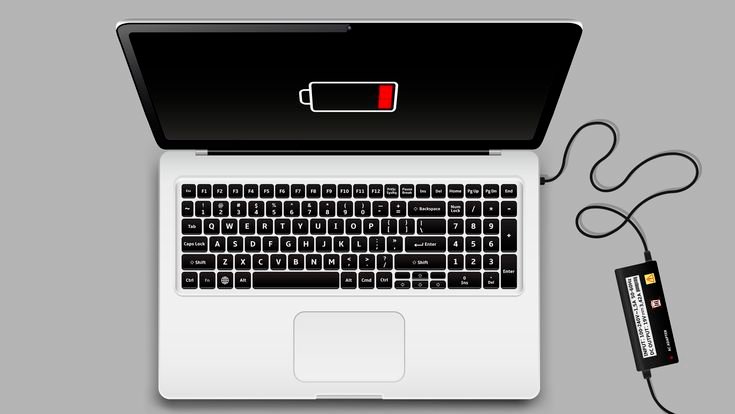
One of the most common beginner mistakes is running the battery all the way down to 0% before charging. It feels logical—use it fully, then recharge—but lithium-ion batteries don’t like deep discharges.
Draining to zero occasionally won’t destroy your battery, but doing it regularly accelerates wear. A healthier approach is to keep your battery between roughly 20% and 80% most of the time.
Imagine your battery as a person’s energy level. Constantly pushing it to complete exhaustion is far more stressful than keeping it within a comfortable range.
- don’t keep it plugged in all the time either
On the opposite end, some users keep their laptops plugged in 24/7. It seems convenient, especially for desk setups, but it can also stress the battery—particularly if the system keeps it at 100% constantly.
Modern laptops often include battery management systems that reduce charging when full, but heat and sustained high charge levels can still degrade the battery over time.
If you mostly use your laptop at a desk, consider unplugging it occasionally and letting the battery discharge to around 40–60% before charging again. Some devices even offer a “battery health mode” that limits maximum charge to 80%—use it if available.
- heat is the silent battery killer
If there’s one factor beginners underestimate, it’s temperature. Heat is far more damaging to a battery than most usage habits.
Using your laptop on a bed, pillow, or lap can block ventilation and trap heat. Running heavy applications for long periods without cooling can also raise internal temperatures significantly.
Try to use your laptop on hard, flat surfaces. Keep vents clear. If you’re doing intensive tasks like gaming or video editing, consider using a cooling pad.
A simple habit—like avoiding soft surfaces—can quietly extend your battery’s lifespan by months or even years.
- use power settings wisely
Your operating system includes power management settings for a reason, but many people never touch them. Beginners often run their laptops on high-performance mode all the time, even for basic tasks like browsing or typing.
Switching to balanced or power-saving modes reduces energy consumption and heat generation. Lowering screen brightness, shortening screen timeout, and limiting background apps can all contribute to better battery health.
These changes may feel minor, but over time they reduce the number of charge cycles you go through.
- be mindful of charging habits, not obsessed with them
There’s a difference between being careful and being anxious. Some beginners become overly fixated on charging percentages, unplugging and replugging constantly in pursuit of perfection.
That level of micromanagement isn’t necessary.
Instead, aim for consistency. Charge when it’s convenient, avoid extremes when possible, and don’t stress over occasional deviations. The goal is to build sustainable habits, not to chase ideal numbers every hour.
- keep your software updated
Battery performance isn’t just about hardware. Software plays a significant role.
Operating system updates often include improvements in power management. Driver updates can fix issues that cause unnecessary battery drain. Even firmware updates may refine how the battery is charged and maintained.
Ignoring updates can leave your system running inefficiently, which leads to more frequent charging and faster wear.
- unplug unnecessary peripherals
External devices draw power, even when you’re not actively using them. USB drives, external hard disks, wireless receivers, and even backlit keyboards can contribute to battery drain.
When you’re running on battery, disconnect anything you don’t need. It’s a small step, but it reduces load and helps your battery last longer during each cycle.
- avoid extreme storage conditions
If you ever need to store your laptop for an extended period, how you leave the battery matters.
Storing it at 0% can lead to deep discharge, which may make it difficult or impossible to recharge later. Storing it at 100% for long periods can also stress the battery.
A better approach is to store the laptop with the battery around 50%. Keep it in a cool, dry place—not in a hot car or a damp environment.
- calibrate occasionally, not frequently
Battery calibration helps your system accurately report charge levels. Over time, the percentage indicator may become less reliable.
To recalibrate, you can occasionally let the battery drain to a low level (not necessarily 0%) and then charge it back to full without interruption.
This isn’t something you need to do often—once every couple of months is enough. Calibration doesn’t improve battery health directly, but it helps you understand your battery’s true capacity.
- develop a simple daily routine
The most effective battery care strategy isn’t a single trick—it’s a routine.
A beginner-friendly routine might look like this:
- Start the day with a charge between 80–100% if needed
- Use the laptop unplugged for general tasks
- Plug in when the battery drops near 20–30%
- Avoid heavy workloads while charging if heat becomes noticeable
- Unplug once it reaches a comfortable level
Over time, this routine becomes second nature. You won’t need to think about it, and your battery will benefit quietly in the background.
bringing it all together
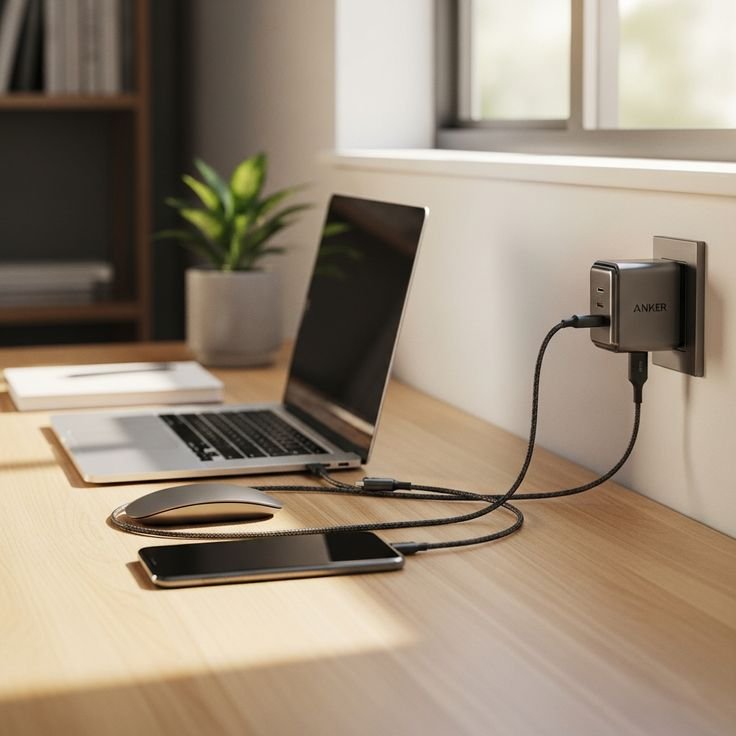
Laptop battery care isn’t about perfection. It’s about awareness and balance. You don’t need to follow every rule strictly, and you don’t need to worry about occasional mistakes.
What matters is the overall pattern of your usage. Are you avoiding extreme heat? Are you preventing constant full discharges? Are you giving your battery a break from being at 100% all the time?
If the answer to most of these is yes, you’re already doing better than many users.
Think of your battery like a long-term companion rather than a disposable part. With a little care, it will serve you reliably for years. Without that care, it will still work—but not nearly as well, and not nearly as long.
frequently asked questions
- is it bad to use a laptop while charging?
Not at all. Using your laptop while it’s plugged in is perfectly normal. The key concern is heat. If the device becomes very warm during heavy use and charging at the same time, try to improve cooling or reduce load.
- should i always charge my laptop to 100%?
You can, but it’s not always necessary. Keeping the battery between 20% and 80% most of the time is generally healthier. Charging to 100% occasionally is fine, especially when you need maximum runtime.
- how many years does a laptop battery last?
Most laptop batteries last between 2 to 5 years, depending on usage habits. Proper care can extend this lifespan significantly.
- can i leave my laptop plugged in overnight?
Yes, modern laptops are designed to handle overnight charging. However, doing this every night for years may contribute to gradual battery wear. If possible, unplug once it’s fully charged or use battery health features.
- does fast charging damage the battery?
Fast charging generates more heat, which can contribute to wear over time. Occasional fast charging is fine, but relying on it constantly may reduce long-term battery health.
- how do i know if my battery needs replacement?
Signs include significantly reduced battery life, sudden shutdowns, or inaccurate charge readings. If your laptop only lasts a short time even after a full charge, it may be time for a replacement.
In the end, battery care is less about strict rules and more about thoughtful use. Once you understand the basics, the rest becomes a matter of habit—and good habits tend to pay off quietly but consistently.






