
10 Easy Laptop Battery Care Habits That Actually Work
There’s something oddly frustrating about watching a laptop battery drain faster than expected. One moment you’re confident you’ve got hours of work ahead, and the next you’re scrambling for a charger like it’s a lifeline. Most people assume battery wear is just inevitable—and to a degree, it is—but what’s often overlooked is how daily habits quietly shape battery health over time.
This isn’t about complicated technical tweaks or obscure settings buried deep inside your system. It’s about small, practical habits that actually fit into everyday use. The kind you can stick to without turning your routine upside down.
What follows isn’t theory—it’s a blend of practical behavior, real-world usage patterns, and the kind of insights that only become obvious after dealing with battery problems the hard way.
- Don’t keep your battery at 100% all the time
It feels logical to keep your laptop fully charged at all times. After all, more charge means more usage, right? But lithium-ion batteries don’t really enjoy sitting at full capacity for long stretches.
When a battery stays at 100%, it experiences what’s called “high voltage stress.” Over time, this accelerates wear. Think of it like constantly stretching a rubber band to its maximum—it doesn’t snap immediately, but it loses elasticity faster.
A simple shift in habit helps: unplug your laptop once it reaches around 80–90% if you’re working at a desk. Some laptops even offer built-in battery limit settings—if yours does, use them.
It’s not about being obsessive. It’s about avoiding unnecessary stress when you don’t actually need that extra 10%.
- Avoid letting your battery drop to 0%
On the flip side, draining your battery completely isn’t ideal either. While occasional full discharges aren’t catastrophic, making it a habit can shorten the lifespan.
Deep discharges strain the internal chemistry of lithium-ion cells. If repeated frequently, they reduce the battery’s ability to hold charge over time.
A healthier pattern is to recharge when the battery hits around 20–30%. This keeps the battery operating within a comfortable range, which is exactly where it performs best.
Think of it as pacing rather than pushing limits.

- Keep your laptop cool—heat is the silent killer
If there’s one thing that consistently damages batteries faster than anything else, it’s heat.
High temperatures accelerate chemical aging inside the battery. Even moderate heat, sustained over long periods, can gradually degrade capacity.
Common heat traps:
- Using your laptop on a bed or cushion
- Blocking air vents
- Running heavy applications in poorly ventilated areas
A small adjustment—like placing your laptop on a flat, hard surface—can make a noticeable difference. If you use demanding software, consider a cooling pad.
Heat doesn’t cause immediate failure. It just quietly chips away at battery life until one day, you notice your laptop doesn’t last nearly as long as it used to.
- Don’t leave your laptop plugged in 24/7
Many people treat their laptop like a desktop, leaving it plugged in continuously. While modern systems do manage power smartly, constant charging still keeps the battery under mild stress.
Even if the laptop stops charging at 100%, the battery remains in a high-charge state, which—as mentioned earlier—is not ideal.
A balanced approach works best:
- Plug in when needed
- Unplug once reasonably charged
- Let the battery cycle occasionally
This doesn’t mean you need to babysit your charger. Just avoid turning “always plugged in” into a permanent habit.
- Use battery saver modes when possible
Battery saver modes aren’t just about extending runtime—they also reduce strain on the battery.
When activated, these modes:
- Lower screen brightness
- Limit background processes
- Reduce CPU performance slightly
All of this translates to less power draw, which means fewer charge cycles over time.
The benefit isn’t dramatic in the short term, but over months, it adds up. Especially if you spend long hours working unplugged.
- Adjust screen brightness wisely
Your screen is one of the biggest power consumers in your laptop.
Running it at maximum brightness constantly drains the battery faster, which leads to more frequent charging cycles—and more cycles mean faster long-term wear.
Try this instead:
- Keep brightness just high enough for comfort
- Lower it indoors
- Increase only when necessary
It’s a subtle habit, but it directly impacts how often you need to recharge. And that, in turn, affects battery longevity.
- Close unnecessary apps and background processes
It’s easy to overlook how many apps run silently in the background. Each one consumes a bit of power, and together they can significantly increase battery usage.
Streaming apps, cloud sync services, and even idle browser tabs can quietly drain energy.
Getting into the habit of closing what you don’t need does two things:
- Extends your battery life per charge
- Reduces overall battery wear over time
This isn’t about being minimalistic. It’s about being intentional with what’s running.
- Store your laptop properly if not in use
If you’re not using your laptop for an extended period—say, weeks or months—how you store it matters more than most people realize.
Storing it at 0% or 100% can harm the battery. The ideal storage range is around 40–60%.
Also:
- Keep it in a cool, dry place
- Avoid extreme temperatures
- Power it on occasionally if possible
This habit becomes especially important if you rotate between devices or travel frequently.
- Use the original charger (or a reliable one)
Not all chargers are created equal. Cheap or incompatible chargers can deliver inconsistent voltage, which can stress both the battery and internal components.
While modern laptops have safeguards, using a high-quality charger ensures stable power delivery.
If you ever notice your laptop heating up unusually while charging, the charger might be part of the problem.
Investing in a reliable charger isn’t just about safety—it’s about long-term battery health.
- Update your system regularly
Software updates often include power management improvements. These tweaks can optimize how your laptop uses energy, sometimes in ways that aren’t immediately visible.
Manufacturers continuously refine:
- Battery charging algorithms
- Thermal management
- Background process efficiency
Skipping updates means missing out on these improvements.
It’s not the most exciting habit, but it quietly supports everything else on this list.
—
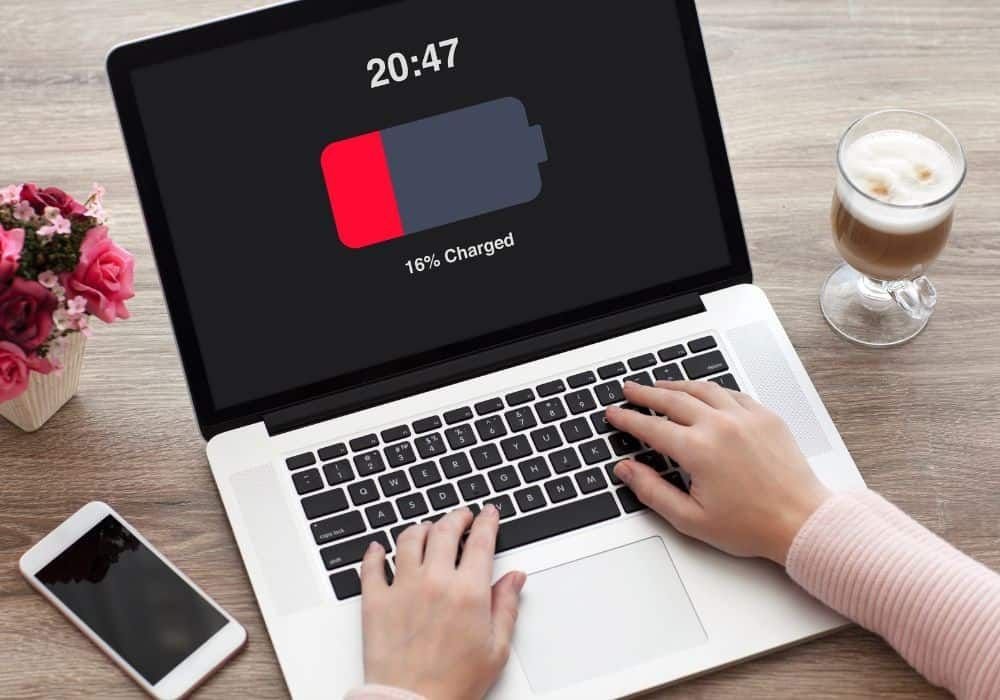
A different way to think about battery care
Most battery advice sounds rigid—like you have to follow strict rules or risk ruining your device. But in reality, it’s about patterns, not perfection.
You don’t need to hit the exact “20% to 80%” range every single time. You don’t need to panic if your laptop hits 100% or drops to 5% occasionally.
What matters is what you do most of the time.
If your habits generally:
- Avoid extreme charge levels
- Minimize heat
- Reduce unnecessary strain
Then your battery will naturally last longer.
Battery care isn’t a single action. It’s a collection of small, consistent choices that add up.
—
Signs your battery habits are working
You might wonder how to tell if these habits are actually making a difference. The changes aren’t always immediate, but over time, you’ll notice:
- Slower decline in battery capacity
- More consistent battery life
- Less overheating during normal use
If your laptop still performs well after a year or two without noticeable battery issues, that’s usually a good sign your habits are doing their job.
—
FAQs
- Is it bad to charge my laptop overnight?
Not necessarily. Modern laptops stop charging once they reach full capacity. However, keeping it at 100% for long hours repeatedly can contribute to gradual wear. It’s better to unplug once charged if convenient. - How often should I fully discharge my battery?
Rarely. Unlike older battery types, lithium-ion batteries don’t need regular full discharges. Doing it occasionally (once every few months) for calibration is fine, but not as a routine. - Can I use my laptop while charging?
Yes, absolutely. Using your laptop while charging is normal. Just make sure it’s not overheating, especially during heavy tasks. - Does fast charging damage laptop batteries?
Fast charging can generate more heat, which may contribute to wear over time. Occasional use is fine, but relying on it constantly isn’t ideal for long-term battery health. - What’s the ideal battery percentage to maintain daily?
Keeping your battery between 20% and 80% is generally considered optimal. It reduces stress on the battery and helps extend its lifespan. - How long should a laptop battery last with good care?
With proper habits, a laptop battery can maintain decent performance for 2–4 years, sometimes longer. Actual lifespan depends on usage patterns, heat exposure, and charge cycles.
—
In the end, taking care of your laptop battery isn’t about being perfect—it’s about being aware. Once these habits become second nature, you won’t even think about them. But your battery will reflect the difference every single day.






