
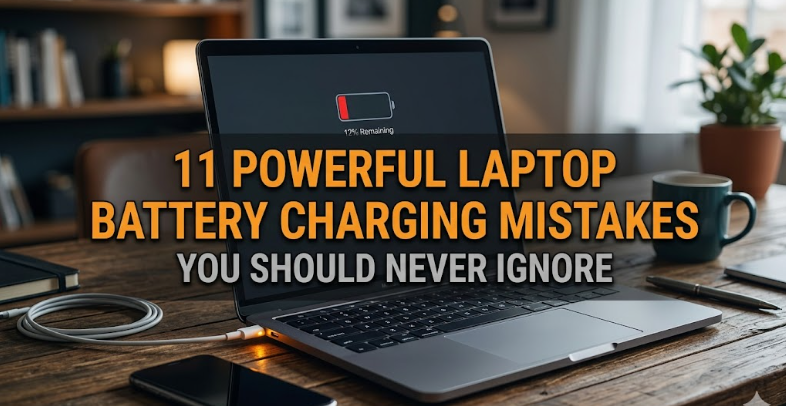
11 Powerful Laptop Battery Charging Mistakes You Should Never Ignore
It usually starts with something small. A laptop that once lasted all day now struggles to get through a morning. The charger seems to stay plugged in longer. The battery percentage drops faster than expected, and before you know it, you’re tied to a wall socket.
Most people assume batteries simply “age out,” and while that’s partly true, what often goes unnoticed is how daily habits quietly accelerate that decline. Modern laptop batteries are smarter than ever, yet they’re still vulnerable to misuse—especially the kind that feels completely normal.
This is not just a technical guide. Think of it as a practical walkthrough of the subtle, often overlooked behaviors that chip away at your battery’s health over time. Along the way, you’ll find reflections, small experiments you can try, and ways to rethink how you interact with your device.
Let’s explore the mistakes that matter most—and how to fix them before they cost you performance, convenience, and money.
- Keeping your laptop plugged in all the time
There’s a certain comfort in always being connected to power. No anxiety about low battery warnings, no interruptions mid-task. But constant charging creates a silent problem.
Modern lithium-ion batteries don’t like staying at 100% for extended periods. When your laptop remains plugged in day after day, the battery sits under continuous voltage stress. Over time, this reduces its capacity.
Imagine holding a rubber band stretched to its maximum for hours—it doesn’t snap immediately, but it loses elasticity. That’s what happens inside your battery.
What to do instead:
Let your battery breathe. If you mostly use your laptop at a desk, aim to keep the charge between 40% and 80%. Many laptops even offer a “battery health mode” that limits maximum charge—use it if available.
- Draining the battery to 0% regularly
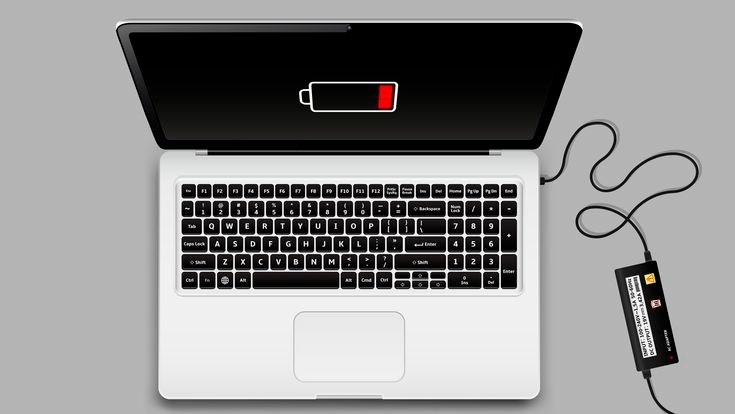
There’s a lingering myth from older battery technologies that fully discharging is “good practice.” For lithium-ion batteries, it’s the opposite.
Deep discharges strain the battery chemically. When the charge drops too low, it increases wear on internal components, reducing long-term lifespan.
It’s like running a car on empty repeatedly—it might keep going, but damage accumulates.
What to do instead:
Plug in when your battery hits around 20–30%. Occasional deep discharges aren’t catastrophic, but making it a habit is.
- Ignoring heat buildup
Heat is the silent killer of battery health. It’s not dramatic or obvious at first, but it steadily degrades internal chemistry.
Using your laptop on a bed, pillow, or soft surface traps heat. Running heavy applications while charging intensifies it further. Combine both, and you’ve got a recipe for faster battery aging.
You might not notice the damage immediately, but weeks and months later, the impact shows.
What to do instead:
Use your laptop on a hard, flat surface. Ensure vents are clear. If you’re gaming or rendering, consider unplugging once fully charged or using cooling pads.
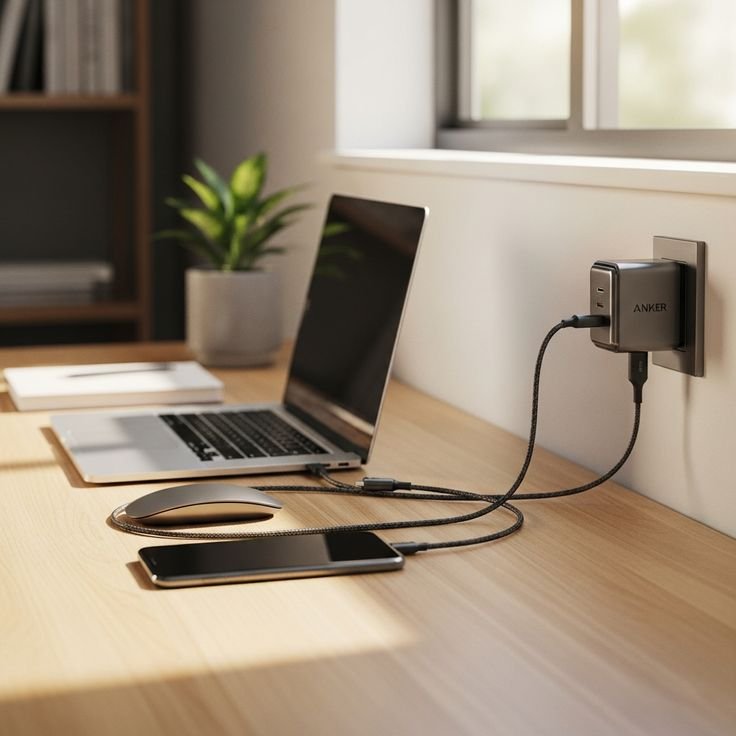
- Using cheap or incompatible chargers
Not all chargers are created equal. Third-party chargers that don’t match your laptop’s voltage and current requirements can cause unstable power delivery.
This inconsistency puts stress on both the battery and internal charging circuits. It may not fail instantly, but the wear adds up.
Think of it as feeding your device an inconsistent diet—it survives, but not optimally.
What to do instead:
Use the original charger or certified replacements. It’s a small investment compared to the cost of replacing a battery—or worse, a motherboard.
- Charging in extreme temperatures
Laptops are often used in environments that aren’t ideal—hot rooms, direct sunlight, or even very cold conditions.
Charging in high heat accelerates chemical reactions inside the battery, leading to faster degradation. Charging in cold temperatures, on the other hand, can cause lithium plating, which permanently damages the battery.
What to do instead:
Keep your laptop in moderate conditions. Room temperature is ideal. Avoid charging immediately after moving from a cold to a warm environment—let it stabilize first.
- Leaving the battery unused for long periods
Sometimes laptops sit unused for weeks or months. When this happens, the battery slowly discharges on its own. If it drops too low and stays there, it can enter a deep discharge state that’s difficult to recover from.
This is especially common with backup or secondary laptops.
What to do instead:
If storing your laptop, charge it to about 50% before turning it off. Check and recharge every few weeks to maintain that level.
- Ignoring software updates that affect battery management
Battery optimization isn’t just hardware—it’s also software. Operating system updates often include improvements to power management, charging algorithms, and thermal control.
Skipping updates might mean missing out on features that protect your battery.
What to do instead:
Keep your system updated. It’s one of the simplest ways to ensure your device is managing power efficiently.
- Running intensive tasks while charging at 100%
Using your laptop for heavy workloads—like gaming, video editing, or compiling code—while it’s fully charged and plugged in creates a dual strain.
The battery stays at maximum charge while the system generates heat. This combination accelerates wear.
What to do instead:
If possible, unplug once you reach a comfortable charge level before starting intensive tasks. Alternatively, use battery-limiting modes.
- Frequent short charging cycles without awareness
Plugging in for a few minutes here and there might seem harmless, but erratic charging patterns can confuse battery calibration.
While lithium-ion batteries don’t suffer from memory effect, inconsistent patterns can lead to inaccurate battery percentage readings.
What to do instead:
Maintain relatively stable charging habits. Occasionally allow the battery to cycle between 20% and 80% for better calibration.
- Ignoring battery calibration entirely
Over time, your laptop’s battery meter may become inaccurate. It might show 30% and suddenly drop to 5%, or stay at 100% longer than expected.
This isn’t always battery damage—it’s often calibration drift.
What to do instead:
Every few months, perform a calibration cycle:
Charge to 100%, use the laptop until it drops below 10%, then charge back to full without interruption.
This helps the system accurately track battery levels.
- Treating the battery as replaceable—until it isn’t
Many users adopt a careless mindset, assuming they’ll just replace the battery later. But modern laptops often have sealed batteries, making replacement difficult and expensive.
By the time performance becomes unacceptable, the damage is already done.
What to do instead:
Shift your mindset from replacement to preservation. Small daily habits make a significant difference over time.
A practical reflection: how habits shape battery life
If you step back, none of these mistakes are dramatic. They’re subtle, almost invisible. That’s what makes them powerful.
Battery health isn’t determined by one big decision—it’s shaped by hundreds of small ones.
Where you place your laptop.
When you plug it in.
How long you leave it charging.
What you do while it’s plugged in.
Each choice nudges the battery in one direction or another.
Try this simple experiment for a week:
Keep your charge between 30% and 80%, avoid overheating, and unplug once fully charged. Notice how your laptop behaves. The change won’t be instant, but it will be noticeable over time.
The bigger picture: efficiency, cost, and sustainability
A healthy battery isn’t just about convenience—it’s about efficiency and longevity.
When a battery degrades:
• You charge more often
• Performance may throttle
• Replacement costs increase
• Electronic waste grows
Extending battery life means fewer replacements, less waste, and better overall performance.
It’s a small shift with a larger impact.
FAQs
- Is it bad to leave my laptop plugged in overnight?
Not immediately harmful, but doing it regularly keeps the battery at 100% for long periods, which accelerates wear. Using battery-limiting features can reduce the impact. - What is the ideal battery percentage to maintain daily?
Keeping your battery between 40% and 80% is generally considered optimal for long-term health. - How often should I calibrate my laptop battery?
Once every 2–3 months is sufficient. Calibration helps maintain accurate battery readings but doesn’t improve battery health directly. - Can I use my laptop while charging?
Yes, but avoid heavy tasks that generate excessive heat while the battery is at full charge. Heat combined with high charge levels increases wear. - Do fast chargers damage laptop batteries?
Not if they are designed for your device. Problems arise with incompatible or low-quality chargers that deliver unstable power. - When should I consider replacing my laptop battery?
If your battery drains unusually fast, shuts down unexpectedly, or holds less than 50–60% of its original capacity, it may be time for a replacement.
In the end, battery care isn’t complicated—it’s intentional. A few mindful adjustments can extend your laptop’s life far beyond what most people expect. The difference lies not in what you know, but in what you consistently do.






