

7 Personal Long-Term Laptop Battery Care Mistakes I Made
There’s something funny about laptop batteries: you never think much about them until they start misbehaving. That was exactly my story. For years, I treated my laptop like a desktop that could travel. I plugged it in whenever I could, drained it whenever I forgot, and assumed the battery would just “figure itself out.”
It didn’t.
What followed was a slow decline in battery health, random shutdowns at 30%, and eventually a laptop that felt “tethered” to a charger no matter where I went. It took me a few painful lessons (and a replacement battery) to understand what I was doing wrong.
Here are the 7 long-term laptop battery care mistakes I personally made—and what I learned from each one.
- Keeping the laptop plugged in 24/7
This was my biggest mistake, and also the most common one people still make.
I used to think: “If I keep it plugged in, the battery won’t wear out from cycles.” That logic sounds reasonable, but it ignores what lithium-ion batteries actually need.
When a laptop stays at 100% charge constantly, it creates long-term stress on the battery cells. Heat builds up, voltage stays high, and over time, the battery chemistry degrades faster than expected.
What happened to me:
After about a year of constant docking, my battery health dropped noticeably. The laptop would show 100%, but the moment I unplugged it, it behaved like it was at 70–80%.
What I do now:
I let it discharge occasionally and try to keep it in the 40–80% range when plugged in for long periods.
- Letting the battery drop to 0% too often
On the opposite end of the spectrum, I also used to run my laptop until it shut down completely.
Sometimes it was procrastination, sometimes I just wanted “one more hour” out of it. Either way, deep discharges are harmful.
Why it matters:
Lithium-ion batteries don’t like going to zero. When they fully discharge repeatedly, it stresses the cells and reduces overall capacity over time.
What I noticed:
After a few months of this habit, my battery percentage became less reliable. It would suddenly jump from 15% to 2%, then shut off without warning.
Lesson learned:
Try to recharge when it hits around 20–30%. It’s a small habit shift, but it makes a big difference long-term.

- Ignoring heat buildup during use
If there’s one silent killer of laptop batteries, it’s heat.
I used to run heavy tasks—video editing, gaming, multiple browser tabs—without thinking about temperature. My laptop would get hot, fans would spin like crazy, and I’d just assume it was “normal performance.”
It wasn’t.
What heat does:
Heat accelerates chemical aging inside the battery. Even if your charging habits are perfect, high temperatures alone can shorten battery lifespan significantly.
My mistake pattern:
Using the laptop on a bed or cushion (blocking airflow), gaming while charging, and keeping it under load for hours without breaks.
Fix I adopted:
I started using a cooling pad, keeping vents clear, and avoiding soft surfaces. I also try to give it “cool-down breaks” during heavy usage.
- Always charging to 100% out of habit
There’s something psychologically satisfying about seeing “100% fully charged.” I used to aim for it every single time.
But here’s the issue: lithium-ion batteries are not meant to live at full charge all the time.
Why it’s a problem:
Keeping the battery at 100% voltage stress levels it constantly. Over time, this reduces maximum capacity.
What I learned:
Most modern laptops are designed to stop charging intelligently, but not all systems manage it perfectly. And even with protection, long-term high charge levels still contribute to wear.
Better approach:
I started unplugging at around 80–90% when possible. Some laptops even have built-in battery limit modes—those are worth enabling.
- Leaving it completely drained for long periods
This was an expensive mistake.
There was a time I didn’t use my old laptop for a few weeks. I left it turned off with almost no charge left.
When I came back to it, it wouldn’t charge properly for a while.
Why this happens:
When lithium-ion batteries stay at 0% for too long, they can enter a deep discharge state, which sometimes causes permanent damage.
What I experienced:
The laptop took hours before it even showed charging activity again. After that incident, the battery never performed the same.
Lesson:
If you’re storing a laptop, keep it around 40–60% charge. Not full, not empty.
- Using cheap or inconsistent chargers
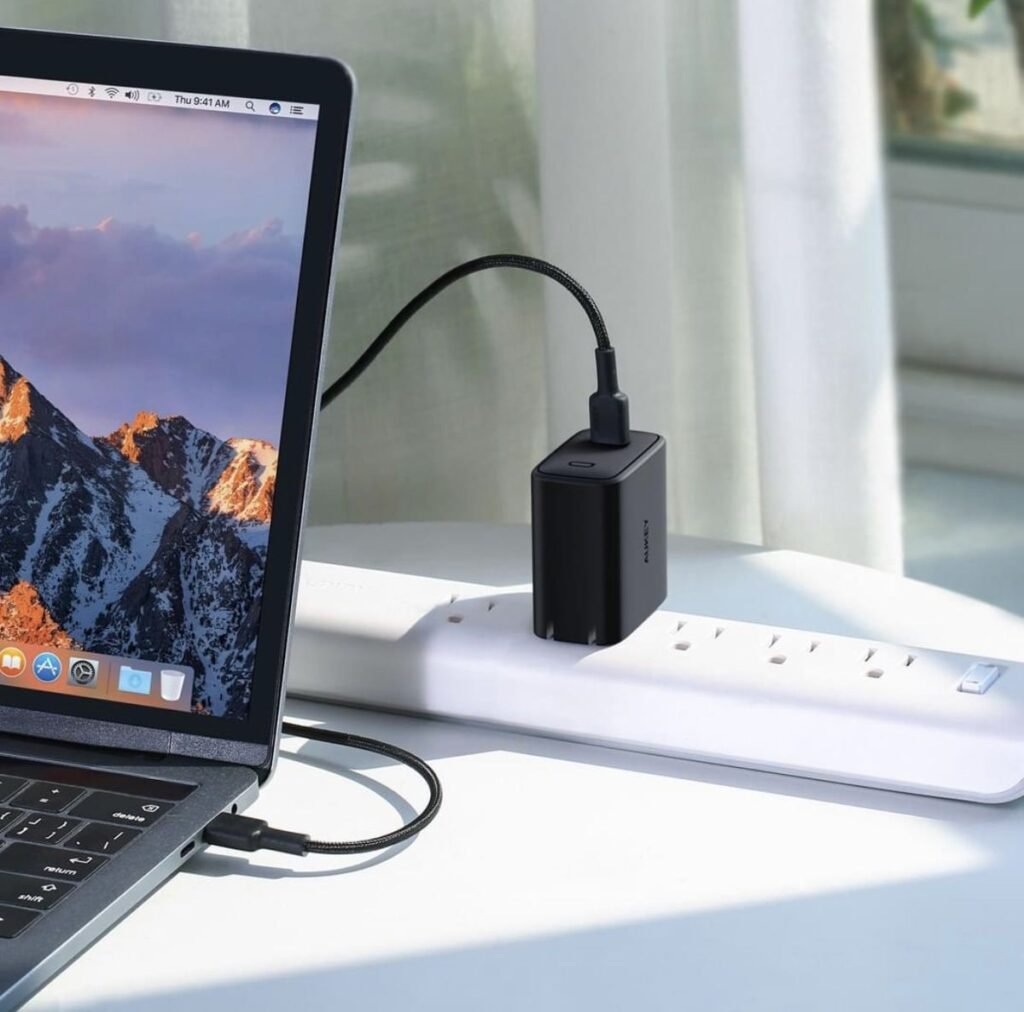
At one point, I lost my original charger and replaced it with a cheap third-party one from a local shop.
It worked—but inconsistently.
The problem:
Unstable voltage delivery can slowly damage battery health and also affect internal power regulation.
What I noticed:
My laptop started heating more while charging, and battery percentages became less predictable.
What I do now:
I stick to original or certified chargers only. It’s not worth saving a small amount of money just to risk long-term battery health.
- Ignoring battery health settings and software tools
For the longest time, I didn’t even realize my laptop had built-in battery management features.
Modern laptops often include:
- Battery conservation modes
- Charging limit settings
- Adaptive charging systems
- Health reporting tools
I ignored all of them.
Why that matters:
These features exist specifically to reduce long-term wear. Not using them is like owning a car and never changing oil because it “still runs fine.”
What changed for me:
Once I enabled battery conservation mode (limiting charge to ~80%), I noticed my battery aging slowed down significantly.
It doesn’t feel dramatic day-to-day, but over months, it adds up.
Conclusion
Looking back, none of these mistakes were extreme on their own. That’s what makes them dangerous. It’s the small, repeated habits—leaving it plugged in too long, letting it drain fully, ignoring heat—that slowly destroy battery health.
The good news is that laptop battery care isn’t complicated. It’s mostly about moderation and awareness. You don’t need to obsess over percentages; you just need to avoid extremes.
If I had known these things earlier, I probably would have extended my battery’s lifespan by years.
FAQs
- Is it bad to keep a laptop plugged in all the time?
Yes, over long periods it can contribute to battery wear due to constant high charge levels and heat. Occasional unplugging helps maintain healthier cycles. - What is the best battery percentage range for daily use?
Generally, keeping it between 40% and 80% is considered healthy for long-term battery lifespan. - Does using a laptop while charging damage the battery?
Not directly, but it can increase heat, which is a key factor in battery degradation. - How often should I fully discharge my laptop battery?
Ideally, not regularly. Modern lithium-ion batteries do not require full discharge cycles and actually perform better with partial cycles. - Can a laptop battery be “reset” to improve health?
No true reset exists. Calibration may fix percentage accuracy issues, but it does not restore lost capacity. - How long should a laptop battery last in normal use?
Typically 2–4 years depending on usage habits, heat exposure, and charging behavior.






