
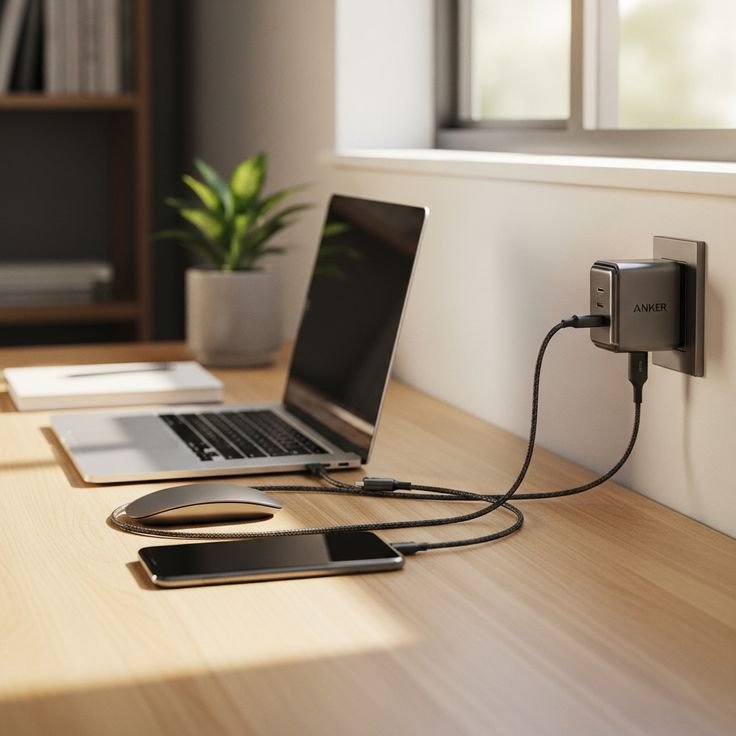
12 Lessons from My Long-Term Laptop Battery Care Journey
Introduction
When I bought my first laptop years ago, I treated it like a desktop machine. It stayed plugged in most of the time, heat built up regularly, and I rarely paid attention to charging habits. Back then, I assumed laptop batteries were either “good” or “bad,” and once they degraded, that was just bad luck.
I was wrong.
Over time, I learned that laptop battery health is not just about hardware quality—it’s about habits. Small daily choices quietly shape how long your battery lasts. Some lessons came from mistakes, others from observation, and a few from trial and error over multiple devices.
This is not theory. It’s a collection of lessons learned after years of using laptops for work, travel, and long hours of daily use.
Lesson 1: Keeping the laptop plugged in all the time is not harmless
One of my earliest habits was leaving the laptop plugged in 24/7. It felt convenient, especially while working at a desk. I thought modern batteries were smart enough to “stop charging” when full.
While that’s partly true, what I didn’t understand was heat and sustained high charge levels.
Keeping a battery constantly at 100% creates long-term stress. The battery chemistry stays under tension, and over months, capacity slowly declines.
What I changed:
I started unplugging once it reached around 80–90% during stationary use. This alone slowed down battery wear noticeably.
Lesson 2: Heat is more damaging than charging cycles
I used to worry about how many times I charged my laptop. But the real enemy was heat.
Gaming, heavy multitasking, or even using the laptop on a bed blocked airflow. Over time, the battery underneath absorbed all that heat.
Heat accelerates chemical aging inside lithium-ion cells. Even if you rarely charge your laptop, high temperature can still degrade the battery faster than expected.
What I changed:
I started using hard surfaces, cooling pads, and avoiding direct sunlight or soft surfaces like beds and sofas.

Lesson 3: Full discharges are not healthy anymore
Earlier nickel-based batteries had “memory effect,” so full discharges were recommended. I carried that habit forward without realizing lithium-ion batteries work differently.
Letting a modern laptop battery drop to 0% regularly stresses it heavily. Deep discharges reduce lifespan faster than partial cycles.
What I changed:
I try to recharge when it hits around 20–30%, instead of waiting for shutdown.
Lesson 4: Constant 100% charging is also not ideal
At the other extreme, I also learned that keeping the battery always at 100% is equally unhealthy.
Lithium-ion batteries prefer a “middle zone” rather than extremes. Staying fully charged for long periods increases internal voltage stress.
What I changed:
For daily desk use, I now keep charge limits enabled (many laptops have built-in battery protection modes that cap charging at 60–80%).
Lesson 5: Charging habits matter more than brand or price
At one point, I believed expensive laptops had “better batteries” that wouldn’t degrade easily. After using both mid-range and premium devices, I realized something important:
Battery chemistry is mostly similar across devices. What really changes lifespan is usage behavior.
Even high-end laptops degrade quickly with poor habits, while budget ones can last surprisingly long with good care.
Lesson 6: Overnight charging isn’t as harmful as people think—but heat is the real issue
I used to worry a lot about overnight charging. In reality, most modern laptops stop actively charging once full and switch to bypass power.
The real issue isn’t overnight charging itself—it’s heat buildup during long charging sessions, especially if the laptop is on a soft surface or under heavy load.
What I changed:
If I charge overnight, I make sure the laptop is well ventilated and not under blankets or cushions.
Lesson 7: Battery calibration is occasionally useful, not routine
There was a phase when I would fully drain and recharge my laptop to “calibrate” it every week. That turned out to be unnecessary and even slightly harmful if overdone.
Battery calibration only helps the system read accurate percentage levels. It does not “fix” the battery itself.
What I changed:
I now calibrate only once every few months, or when battery percentage readings become inconsistent.
Lesson 8: Background apps quietly drain both battery and lifespan
I used to think battery drain was just about screen brightness or usage time. But background processes play a huge role.
Heavy startup programs, cloud syncing tools, and background updates not only drain power but also increase heat cycles over time.
What I changed:
I regularly check task manager, disable unnecessary startup apps, and reduce background activity.
Lesson 9: Fast charging has trade-offs
Fast charging is convenient, especially when you’re in a rush. I used it heavily without thinking about consequences.
While modern systems manage it well, fast charging generates more heat compared to slow charging. Over long periods, that heat contributes to wear.
What I changed:
I use fast charging only when needed. For daily routine charging, I prefer slower, cooler charging sessions.
Lesson 10: Storage conditions matter more than people realize
At one point, I stored an old laptop for months without using it. I left it fully charged.
When I returned, the battery had degraded more than expected.
Lithium-ion batteries age even when not used. Storing them at 100% or 0% accelerates this process.
What I changed:
For long-term storage, I now keep batteries around 40–60% charge and store them in cool environments.
Lesson 11: Small temperature habits make a big difference
I started noticing patterns: laptops used in air-conditioned rooms lasted longer than those used in hot environments, even with similar usage.
Even small differences—like avoiding sunlight or not blocking vents—added up over time.
What I changed:
I avoid leaving my laptop in cars, near windows, or in direct heat zones.
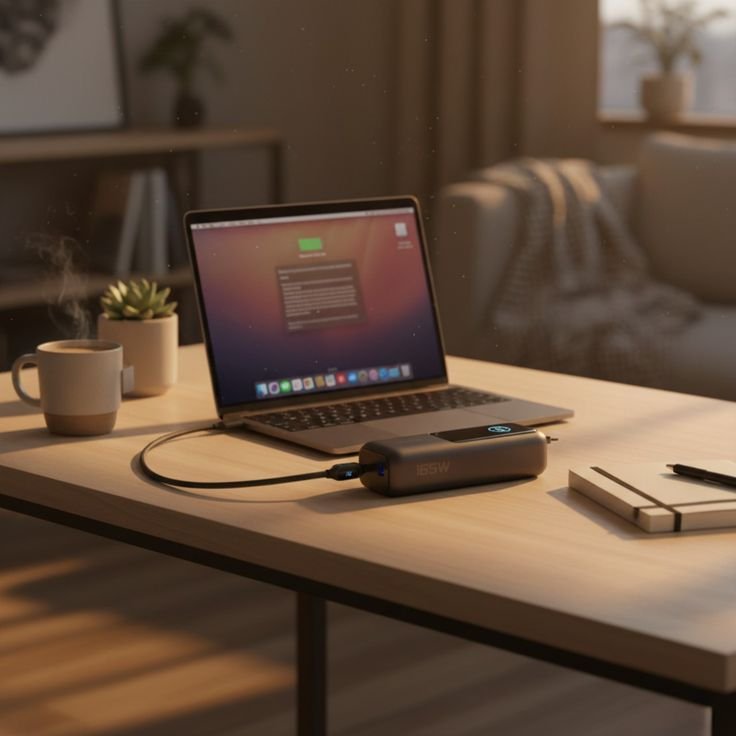
Lesson 12: Battery health is a long game, not a quick fix
The biggest realization wasn’t a trick or setting—it was mindset.
Battery health is not something you “fix” after it degrades. It’s something you protect slowly over time.
There is no single perfect habit. Instead, a combination of small decisions shapes long-term performance.
What I changed:
I stopped obsessing over perfection and focused on consistency: moderate charging, controlled heat, and sensible usage.
Conclusion
Looking back, my laptop battery journey wasn’t about finding secret hacks. It was about unlearning bad habits and replacing them with balanced ones.
No battery lasts forever, but many die much earlier than they should due to avoidable behavior.
Today, my laptops don’t necessarily have “better batteries” than before—they just suffer less unnecessary stress.
And that difference is enough.
FAQs
- What is the ideal charging range for a laptop battery?
Most lithium-ion batteries perform best when kept between 20% and 80% charge for daily use. - Is it bad to use a laptop while charging?
No, it is generally safe. However, it can generate extra heat depending on workload, which may affect long-term battery health. - Does leaving a laptop plugged in damage the battery?
Not immediately, but keeping it at 100% for long periods can slowly reduce battery lifespan due to sustained voltage stress. - How often should I replace a laptop battery?
Typically every 2–4 years, depending on usage patterns, heat exposure, and charging habits. - Does low brightness really improve battery life?
Yes, reducing screen brightness lowers power consumption and indirectly reduces heat and charge cycles. - Is it okay to use fast charging daily?
It is safe, but frequent fast charging can increase heat, so balancing it with normal charging is better for long-term health.






