
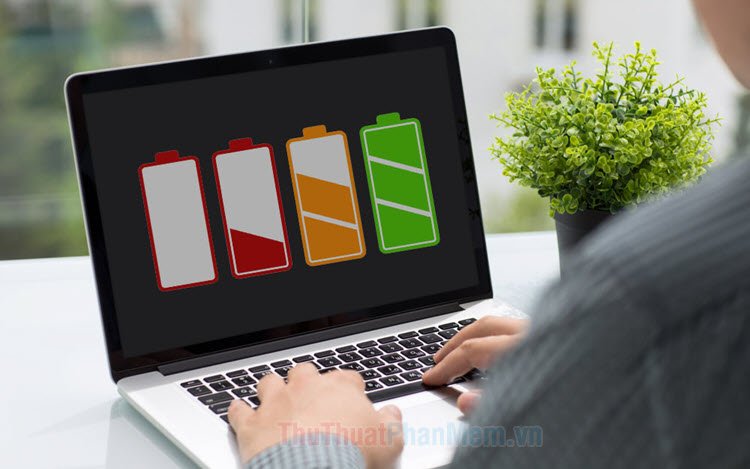
6 Ultimate Laptop Battery Care Charging Practices for Long-Term Use
If you’ve ever watched your laptop battery drop from 100% to 20% faster than it used to, you already know one thing: batteries don’t age gracefully. They slowly lose capacity, sometimes quietly, sometimes dramatically.
Modern laptops mostly use lithium-ion (Li-ion) or lithium-polymer (Li-Po) batteries. These are smart, efficient, and far better than older nickel-based batteries—but they still degrade over time. The good news? Charging habits make a huge difference.
This in-depth guide covers six ultimate laptop battery care charging practices that can significantly extend long-term battery health. You’ll also find data tables, comparison charts, and practical insights you can apply immediately.
Understanding How Laptop Batteries Age
Before diving into practices, let’s simplify how battery wear actually happens.
A battery ages due to:
- Charge cycles (0–100% usage)
- Heat
- High voltage stress (staying at 100%)
- Deep discharge (near 0%)
- Time (calendar aging)
What Is a Charge Cycle?
A charge cycle equals using 100% of battery capacity — not necessarily in one go.
Example:
- Use 50% today + recharge
- Use 50% tomorrow
= 1 full cycle
Most modern lithium-ion laptop batteries are rated for:
| Battery Type | Typical Cycle Rating | Expected Lifespan |
|---|---|---|
| Standard Li-ion | 300–500 cycles | 2–3 years |
| Premium Li-ion | 800–1000 cycles | 4–5 years |
| Enterprise-grade | 1000+ cycles | 5+ years |
Now let’s move into the six ultimate charging practices.
1. Avoid Charging to 100% All the Time
This is one of the biggest battery myths: that charging to 100% is “best.”
In reality, lithium batteries experience voltage stress at maximum charge.
Why 100% Isn’t Ideal
At full charge:
- Voltage is at its highest level.
- Chemical stress increases.
- Long-term degradation accelerates.
Ideal Charging Window
Research-backed optimal range:
| Charge Level | Battery Stress Level |
|---|---|
| 0–10% | Very High (harmful) |
| 10–20% | Moderate |
| 20–80% | Low (ideal zone) |
| 80–100% | Increasing stress |
Best practice:
Keep your laptop between 20% and 80% for daily use.
Real-World Tip
Many modern laptops allow you to limit charging:
- Windows laptops often provide battery health modes in BIOS or manufacturer apps.
- On macOS devices like the MacBook, optimized charging is built in.
Enable these features if available.
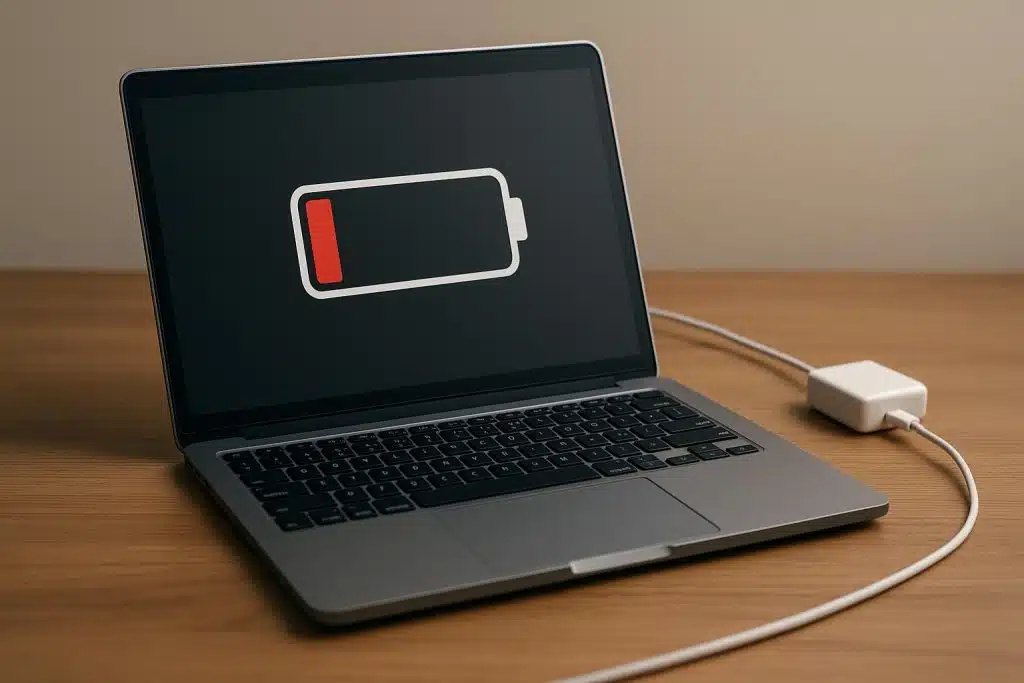
2. Don’t Let It Drop to 0% Frequently
Deep discharges hurt lithium batteries.
Unlike old nickel batteries, lithium-ion has:
- No memory effect
- But high sensitivity to deep discharge
What Happens at 0%?
When a battery hits 0%:
- Internal voltage drops significantly.
- Cells experience chemical strain.
- Repeated deep discharge reduces total cycle life.
Comparison Chart: Depth of Discharge Impact
| Depth of Discharge | Approximate Cycle Life |
|---|---|
| 100% (0–100%) | ~300 cycles |
| 80% | ~400 cycles |
| 50% | ~600 cycles |
| 30% | ~1000+ cycles |
Conclusion:
Shallower discharges = longer battery life.
Practical Rule
Start charging around:
- 25–30%, not 5%.
Occasional full discharge for calibration? Fine.
Frequent deep discharge? Avoid it.
3. Avoid Constant Plugged-In Use Without Limits
Many people treat laptops like desktops — plugged in 24/7.
That’s convenient, but here’s the issue:
When your battery stays at:
- 100%
- High temperature
- Constant voltage
It ages faster.
The “Always Plugged In” Problem
| Scenario | Battery Impact |
|---|---|
| Plugged in at 100% (no limit) | High long-term wear |
| Plugged in with 80% cap | Low wear |
| Battery removed (older laptops only) | Minimal wear |
Modern laptops like the Dell XPS 13 or HP Spectre x360 offer battery charge limiting in BIOS or manufacturer utilities.
Best Practice for Desk Users
If you:
- Mostly work at a desk
- Rarely rely on battery
Then:
- Enable 50–80% charge cap.
- Or unplug once it reaches ~80%.
4. Control Heat While Charging
Heat is the silent battery killer.
Lithium batteries prefer moderate temperatures.
Ideal Temperature Range
| Temperature | Battery Health Impact |
|---|---|
| 0–10°C | Reduced performance |
| 20–25°C | Ideal |
| 30–35°C | Mild stress |
| 40°C+ | Significant degradation |
Why Charging Generates Heat
During charging:
- Chemical reactions occur
- Voltage rises
- Internal resistance produces heat
Now add:
- Gaming
- Video rendering
- Poor ventilation
And temperatures spike.
Charging + Gaming = Worst Combo
High CPU/GPU load while charging increases heat dramatically.
If you’re gaming on a system like the ASUS ROG Zephyrus, heat control is critical.
How to Reduce Charging Heat
- Use laptop on hard surfaces
- Clean vents regularly
- Avoid charging under pillows or blankets
- Use cooling pads if needed
- Don’t charge in hot cars
5. Use the Original or Certified Charger
Cheap chargers are dangerous — not always immediately, but over time.
Risks of Low-Quality Chargers
- Inconsistent voltage
- Overheating
- Battery swelling
- Reduced lifespan
Comparison Table
| Charger Type | Voltage Stability | Battery Safety |
|---|---|---|
| Original OEM | Excellent | Very High |
| Certified (USB-C PD) | High | Safe |
| Cheap generic | Unstable | Risky |
If using USB-C:
- Ensure it supports correct wattage.
- Use certified Power Delivery chargers.
For example, a Lenovo ThinkPad X1 Carbon requires specific wattage for optimal charging.
Rule of Thumb
If the charger:
- Gets extremely hot
- Causes fluctuating charging
- Makes buzzing sounds
Replace it.
6. Enable Smart Battery Optimization Features
Modern laptops include intelligent battery systems.
These features:
- Learn your routine
- Delay full charging
- Limit max capacity
- Reduce voltage stress
Examples
| Brand | Feature Name |
|---|---|
| Apple | Optimized Battery Charging |
| Dell | Dell Power Manager |
| Lenovo | Conservation Mode |
| HP | Adaptive Battery Optimizer |
On devices like the Microsoft Surface Laptop, firmware manages charging patterns automatically.
Why It Matters
Smart charging:
- Reduces time at 100%
- Lowers heat
- Extends lifespan significantly
Turn it on and forget about it.
Bonus: Should You Calibrate Your Battery?
Calibration helps:
- Fix incorrect percentage readings
- Improve accuracy
But it does NOT:
- Restore lost capacity
- Improve health
Safe Calibration Method
Do this every 2–3 months:
- Charge to 100%
- Use until ~10–15%
- Recharge to 100% uninterrupted
Not weekly. Not daily.

Long-Term Battery Health Projection
Let’s compare two users.
User A – Poor Charging Habits
- Always 100%
- Frequently drops to 0%
- Heavy heat exposure
User B – Smart Charging
- 20–80% range
- Avoids deep discharge
- Controls temperature
| Year | User A Capacity | User B Capacity |
|---|---|---|
| Year 1 | 90% | 96% |
| Year 2 | 75% | 92% |
| Year 3 | 60% | 88% |
| Year 4 | 45% | 82% |
The difference becomes massive over time.
Quick Daily Charging Checklist
✔ Start charging at 25–30%
✔ Stop at 80% (if possible)
✔ Avoid overheating
✔ Use original charger
✔ Enable battery optimization
✔ Avoid frequent 0% shutdowns
Print this if needed.
The Psychology of Battery Care
Here’s something interesting:
Most battery damage isn’t due to ignorance.
It’s due to convenience.
- Leaving it plugged in is easy.
- Charging to 100% feels satisfying.
- Ignoring heat is common.
But small changes add up.
Laptop batteries degrade slowly. You don’t notice it day-to-day. Then suddenly, your 8-hour battery becomes 3 hours.
That didn’t happen overnight. It happened through habits.
Frequently Asked Questions (FAQs)
1. Is it bad to leave my laptop plugged in overnight?
Occasionally, no.
Daily for years without charge limiting? Yes.
Enable optimized charging or use an 80% cap if available.
2. Should I always charge to 100% before unplugging?
No. Lithium batteries prefer partial charges.
20–80% is ideal for long-term health.
3. How many years should a laptop battery last?
With good care:
- 3–5 years average
- 800–1000 cycles possible on premium systems
Poor care may reduce it to 2 years or less.
4. Does fast charging damage laptop batteries?
Modern fast charging is safe if:
- Manufacturer-designed
- Temperature controlled
Excessive heat, not speed itself, causes damage.
5. Can I replace my laptop battery later?
Yes — on many models.
However, ultrabooks often require professional service.
6. Does closing the lid while charging hurt the battery?
Not directly.
But if airflow is restricted and heat builds up, long-term degradation increases.
Final Thoughts
Laptop battery health is not about perfection.
It’s about patterns.
If you:
- Avoid 0% and 100% extremes
- Control heat
- Use proper chargers
- Enable smart features
You can dramatically extend your battery’s useful life.
Small charging adjustments today can mean:
- Hundreds of extra cycles
- Better resale value
- Fewer replacements
- Years of reliable performance
Your laptop battery doesn’t fail suddenly.
It slowly reflects how you treat it.
Treat it well — and it will return the favor.






